



CLAWHOST

Deploy your OpenClaw assistant in minutes.

Pick a plan, launch managed OpenClaw hosting, and control snapshots, billing, domains, and access from one polished dashboard.

Always-on hosting

OpenClaw hosting overview

Choose a plan, launch quickly, and manage everything from one polished control panel.

Starting at $10/mo
Always on

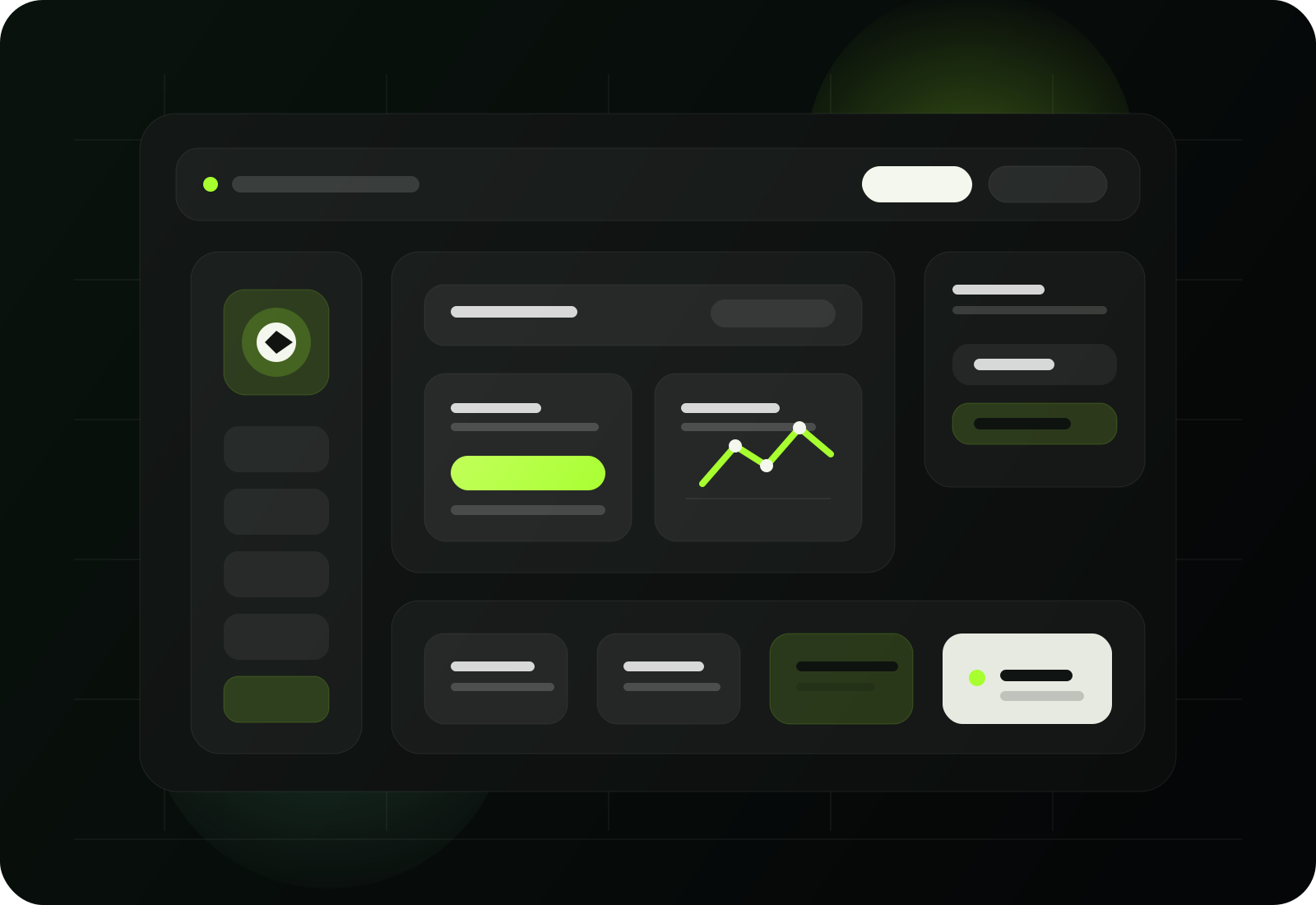
Control panel preview

Launch, track, and protect your OpenClaw instance from a single surface.

ClawHost preview

Fast launch

Start with a ready-to-use OpenClaw install instead of configuring servers by hand

Snapshots & backups

Protect your assistant before updates, imports, and major changes

Domains & access

Connect your URL, manage access, and track status from one clean control panel

Managed OpenClaw hosting

Everything you need to launch without self-hosting.

Skip Docker setup and day-to-day server maintenance while keeping full visibility into billing, backups, domains, and access.

OpenClaw Starter

4 vCPU · 8 GB RAM · 75 GB

$10/mo

OpenClaw Growth

6 vCPU · 12 GB RAM · 100 GB

$16/mo

OpenClaw Scale

8 vCPU · 24 GB RAM · 200 GB

$29/mo

Always-on

24/7

Typical launch

< 15 min

Domain-ready

Custom URL

Protection

Snapshots

Compatible stack

A compact delivery stack behind every launch.

Compute, routing, billing, and container operations stay connected inside one polished hosted workflow.

OpenClaw
Contabo
Cloudflare
Stripe
Dodo Payments
Razorpay
Paddle
Lemon Squeezy
Docker
Hosting features

Everything included with your OpenClaw hosting.

Always-on hosting, snapshots, domains, billing, backups, and clean control without the self-hosting overhead.

Feature preview
01

Always-on Hosting

Launch OpenClaw on managed cloud infrastructure that stays online without a laptop, local server, or manual patching routine.

  • Managed OpenClaw installation
  • Always-on cloud hosting
  • Automated OS and platform updates
  • Dedicated resource allocation
02

Snapshots & Backups

Protect important changes with snapshots and recovery-friendly operations before upgrades, imports, or risky experiments.

  • On-demand snapshots
  • Safer upgrade workflows
  • Restore-friendly recovery
  • Backup-aware lifecycle controls
03

Domains & Access

Connect custom domains, manage billing, and control access from one dashboard instead of juggling SSH tools, invoices, and manual routing.

  • Custom domains and subdomains
  • Billing and wallet support
  • Access and status visibility
  • Simple day-to-day management
After launch

Everything after launch stays in one customer dashboard.

Hosted OpenClaw should not turn into a trail of provider tabs, invoices, backup reminders, and support notes. Keep the full lifecycle in one clean workspace.

  • Launch OpenClaw securely from one dashboard
  • Restart the OpenClaw runtime without leaving the workspace
  • Track recovery-ready backups before upgrades, imports, or risky edits
  • Track invoices, wallet balance, renewals, and payment status
  • Keep domain, access, and support details attached to the service
Customer dashboard preview

Workspace launch

Secure dashboard access

Runtime action

Restart OpenClaw

Recovery flow

Backups and guided support

01

Secure workspace launch

Open the managed OpenClaw workspace from the customer dashboard without juggling provider tools or manual pairing steps.

02

OpenClaw restart

Restart the OpenClaw runtime from the customer workspace while infrastructure-level controls stay protected on the operator side.

03

Domain and DNS

Launch on a ready-made subdomain, then keep domain, SSL, and DNS-related steps attached to the service experience.

04

Recovery-ready backups

Protect important changes with backup-aware workflows and support-managed recovery instead of leaving customers to risky server operations.

05

Billing visibility

Wallet balance, renewals, invoices, and payment status stay visible from the same dashboard customers already use every day.

06

Support workflow

Keep deployment questions, account issues, and recovery notes tied to the hosted environment instead of scattered across inboxes.

Why managed

Stop self-hosting when you just want OpenClaw online.

Keep the control, skip the laptop uptime, Docker chores, patching, and manual backups.

Typical launch

Under 15 minutes

No local server

Always-on cloud delivery

Self-hosting

  • Keep a laptop or VPS online 24/7
  • Handle Docker, SSL, DNS, and reverse-proxy setup yourself
  • Own every update, patch, and recovery step
  • Troubleshoot backups and downtime on your own

Managed hosting

  • Provisioned for you in minutes
  • Always-on cloud hosting with a polished control panel
  • Snapshot-ready plans with cleaner recovery workflows
  • Billing, domains, status, and access in one place

Launch flow

Managed hosting

Choose a plan and follow a guided deployment from the customer dashboard.

Self-hosting

Source a VPS, install Docker, prepare networking, and configure OpenClaw by hand.

Runtime controls

Managed hosting

Launch and restart OpenClaw from one hosted workspace while infrastructure controls stay protected.

Self-hosting

Bounce between provider tooling, shell access, and custom server routines.

Snapshots and recovery

Managed hosting

Use recovery-ready backups and guided support workflows without hand-built restore procedures.

Self-hosting

Build your own backup process and document restore steps separately.

Domains and SSL context

Managed hosting

Keep subdomain, custom URL, and deployment context attached to the service.

Self-hosting

Manually configure DNS, reverse proxy, and certificates after the server is live.

Billing visibility

Managed hosting

Invoices, wallet balance, renewals, and service state stay in one dashboard.

Self-hosting

Provider billing is separate from the OpenClaw environment you are maintaining.

Access handoff

Managed hosting

Keep secure dashboard launch, service URLs, and support history connected to the deployment.

Self-hosting

Share notes, passwords, and server access details manually across tools.

Use cases

What can your OpenClaw assistant handle?

Run internal knowledge, community support, client assistants, and always-on workflows from one hosted platform.

Internal Knowledge

Internal Knowledge

Give your team an always-on OpenClaw assistant for docs, SOPs, onboarding, and day-to-day internal questions.

Docs & SOP search Team onboarding Private internal answers
Community Support

Community Support

Handle FAQs, guided replies, and routine community requests from a hosted OpenClaw deployment that stays online.

FAQ handling Always-on replies Lower support load
Client Delivery

Client Delivery

Launch isolated hosted OpenClaw environments for separate clients, brands, or teams with cleaner operational boundaries.

Separate client instances Custom domain handoff Cleaner billing boundaries
Automation Workflows

Automation Workflows

Run research, triage, routing, and recurring OpenClaw tasks on infrastructure built for always-on production workloads.

Triage & routing Recurring tasks Production-ready hosting
How it works

Launch OpenClaw hosting in three simple steps

Choose a plan, let the platform provision your instance, and manage everything from one dashboard.

1
1

Choose your plan

Pick the hosted OpenClaw plan that matches your team size, workload, and performance needs.

2
2

We launch OpenClaw

Provision your OpenClaw instance in minutes with billing, deployment, and setup handled for you.

3
3

Connect and manage

Use the dashboard for snapshots, billing, domains, status checks, and the everyday controls your team needs.

Why teams choose it

Why teams switch to managed OpenClaw hosting

The biggest reasons teams move from self-hosting to a cleaner managed delivery model.

Keep OpenClaw online 24/7 without leaving a laptop running or maintaining your own stack.
AD

Always-on delivery

No local server required

Give operators one place to launch, monitor, and manage hosted OpenClaw without juggling infrastructure tools.
CC

Cleaner control

Billing, domains, and access

Protect updates, imports, and experiments with snapshot-ready plans and recovery-aware workflows.
SC

Safer changes

Snapshots and backups

Pricing

Simple plans for managed OpenClaw hosting

Choose the plan that matches your team size, traffic, and automation needs.

Managed OpenClaw install Secure dashboard launch OpenClaw runtime restart Backup-aware recovery Custom subdomain support Billing and invoice tracking Protected access controls

OpenClaw Starter

$10 /month

A simple managed OpenClaw plan for lighter assistants, pilots, and everyday workloads.

Setup fee $5.99

Get started
  • 4 vCPU, 8 GB RAM, 75 GB SSD
  • 4 vCPU Cores
  • 8 GB RAM
  • 75 GB NVMe storage
  • 32 TB traffic / unlimited incoming
  • 1 included snapshot
Most popular

OpenClaw Growth

$16 /month

Balanced capacity for growing communities and teams that need faster response headroom.

Setup fee $5.99

Get started
  • 6 vCPU, 12 GB RAM, 100 GB SSD
  • 6 vCPU Cores
  • 12 GB RAM
  • 100 GB NVMe storage
  • 32 TB traffic / unlimited incoming
  • 2 included snapshots

OpenClaw Scale

$29 /month

A stronger configuration for production OpenClaw teams, channels, and heavier automation.

Setup fee $5.99

Get started
  • 8 vCPU, 24 GB RAM, 200 GB SSD
  • 8 vCPU Cores
  • 24 GB RAM
  • 200 GB NVMe storage
  • 32 TB traffic / unlimited incoming
  • 3 included snapshots

OpenClaw Enterprise

$49 /month

High-capacity hosting for larger teams, premium workloads, and custom deployment needs.

Setup fee $5.99

Get started
  • 12 vCPU, 48 GB RAM, 250 GB SSD
  • 12 vCPU Cores
  • 48 GB RAM
  • 250 GB NVMe storage
  • 32 TB traffic / unlimited incoming
  • 3 included snapshots
FAQ

Questions before you start?

Here are the details teams usually want before choosing a managed OpenClaw plan.

Most deployments complete in under 15 minutes. You can follow progress from the dashboard while provisioning finishes in the background.
Yes. Managed plans are designed for ongoing OpenClaw hosting with recovery-friendly operations, snapshots, and backup-aware maintenance.
Yes. Snapshot-friendly plans make it easier to protect your assistant before major changes, updates, or migrations.
Payment methods depend on the storefront configuration, and supported gateways are shown during checkout.
No. The service is designed to give you a clean OpenClaw hosting experience without self-managing servers.
Yes. Domain and access setup can be configured as part of the hosted deployment flow and storefront setup.
Yes. You can move to a larger plan as your OpenClaw workload grows and needs more resources.
Managed plans focus on secure dashboard access to OpenClaw. Emergency server access stays admin-controlled for safety unless the service owner intentionally exposes an advanced access mode later.
Yes. Customers can restart the OpenClaw runtime from the dashboard, while infrastructure-level VPS controls remain protected on the operator side.
Provisioning begins in the background, the dashboard tracks progress, and once the environment is ready you receive the hosted URL and access details in the same workspace.

Ready to launch

Deploy your OpenClaw assistant today.

Choose a plan, launch in minutes, and manage snapshots, billing, domains, and access from one clean dashboard.